Accessibility in Computer Science Education
Ensuring every student, regardless of ability, has equitable access to computer science education.
Here's what the law requires, what we're building, and where to find support.
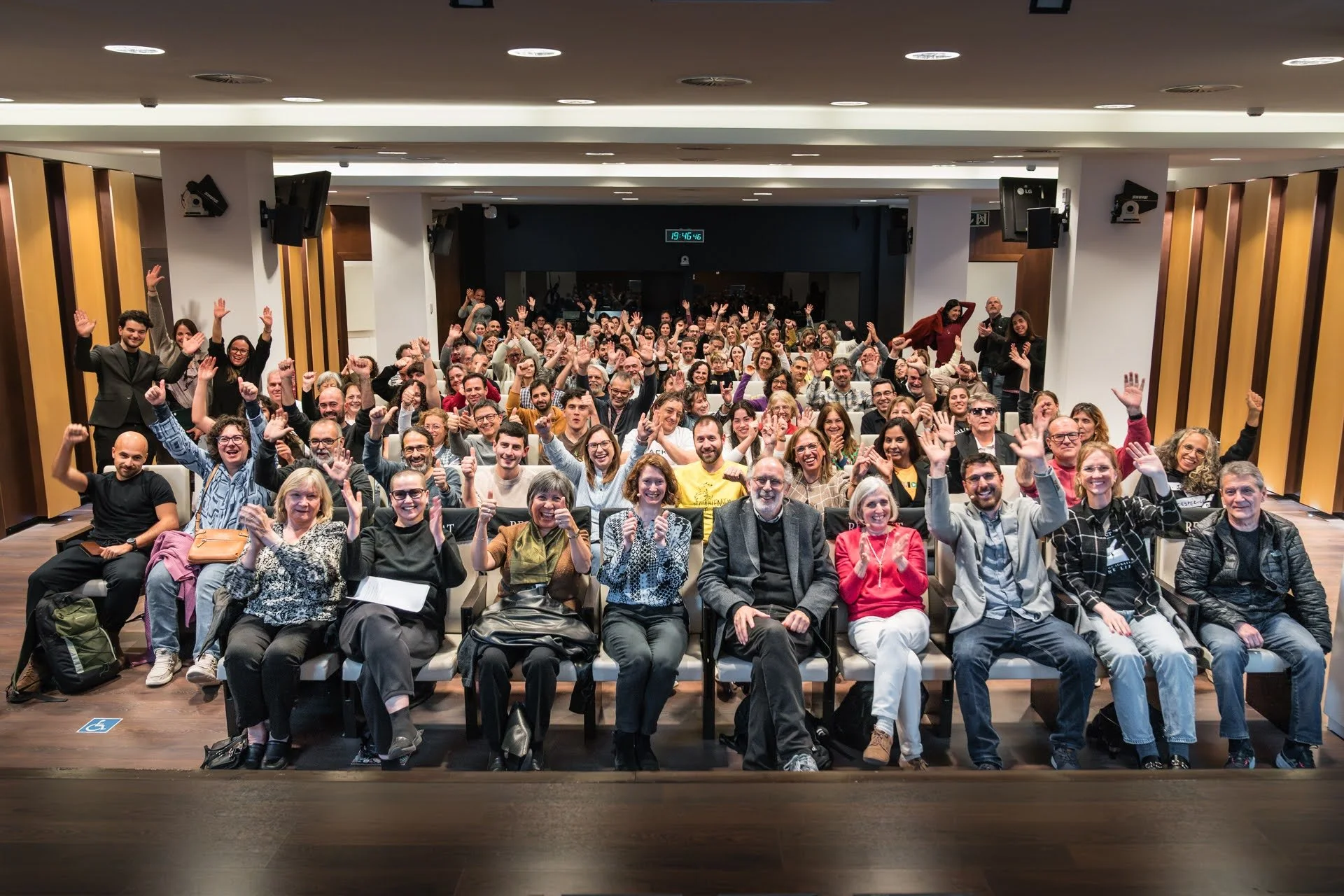
“My Digital Right: Building Accessible Futures” Barcelona, 2026
Rules & Guidelines
Three key legal and technical standards shaping accessible CS education.
Americans with Disabilities Act — Web & App Accessibility
The DOJ updated Title II regulations requiring web content and mobile apps from public entities to be accessible to people with disabilities.
Requires local school systems to provide equivalent access to digital tools for students with disabilities. Passed 2022, effective 2024.
MD Local School Systems - Equivalent Access Standards - Digital Tools
Web Content Accessibility Guidelines (WCAG) 2.1
The international benchmark for accessible digital content — covering perception, operation, understandability, and robustness across three conformance levels.
Code in the Schools and Blockly
Our project aims to make accessibility features easy to use for teachers and their students.
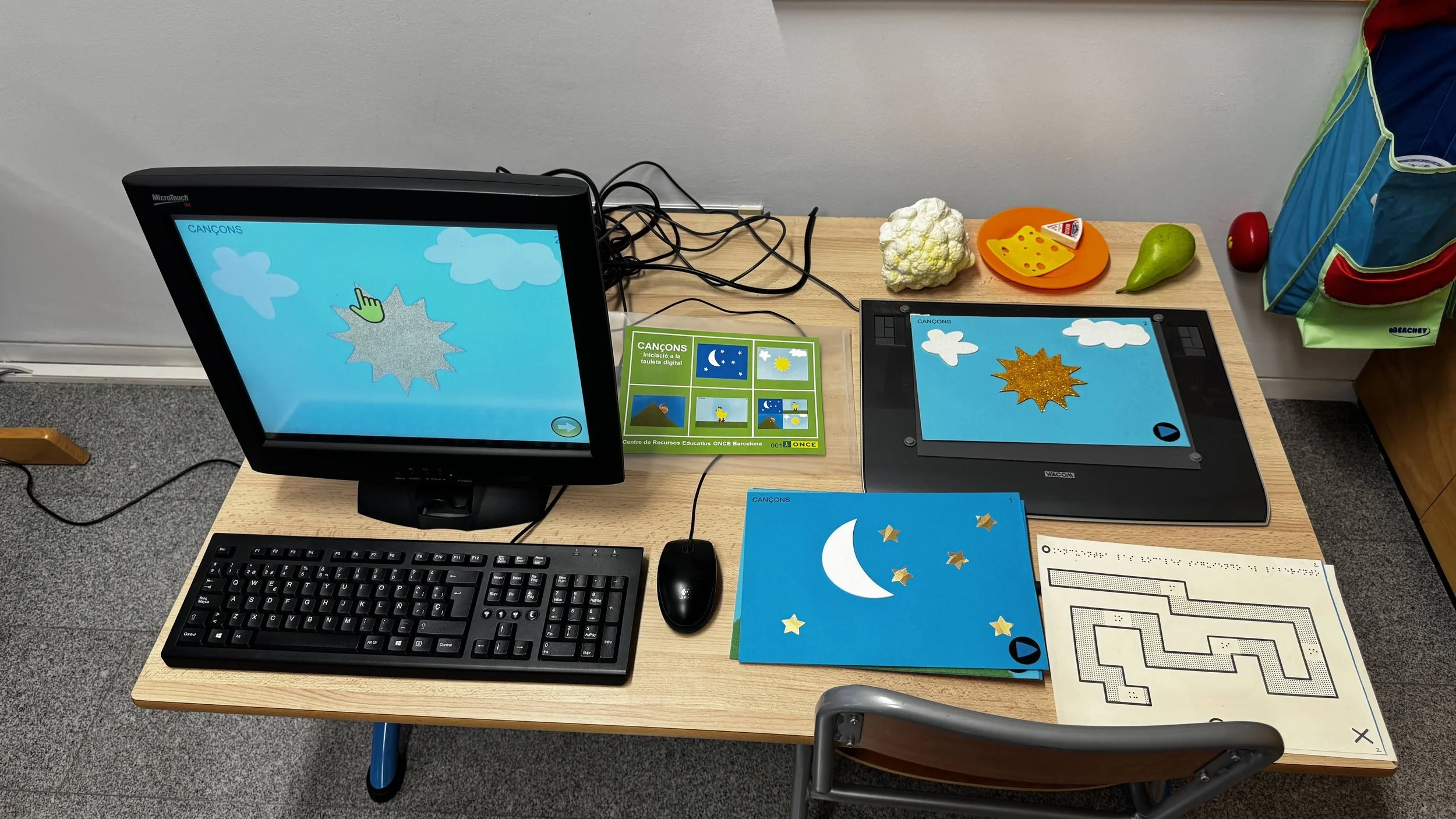
Making Accessibility Accessible
Blockly powers popular block-based coding tools like Scratch and Code.org which have historically been inaccessible to many students with disabilities. In 2023, Blockly made a commitment to becoming keyboard navigable and screenreader compatible.
The Blockly Accessibility Fund was launched in 2024, providing support for a number of partners, including Code in the Schools, to amplify this commitment.
In partnership with Maryland educators, accessibility experts, and developers, we’re creating resources that make accessibility features easier for students and teachers to use.
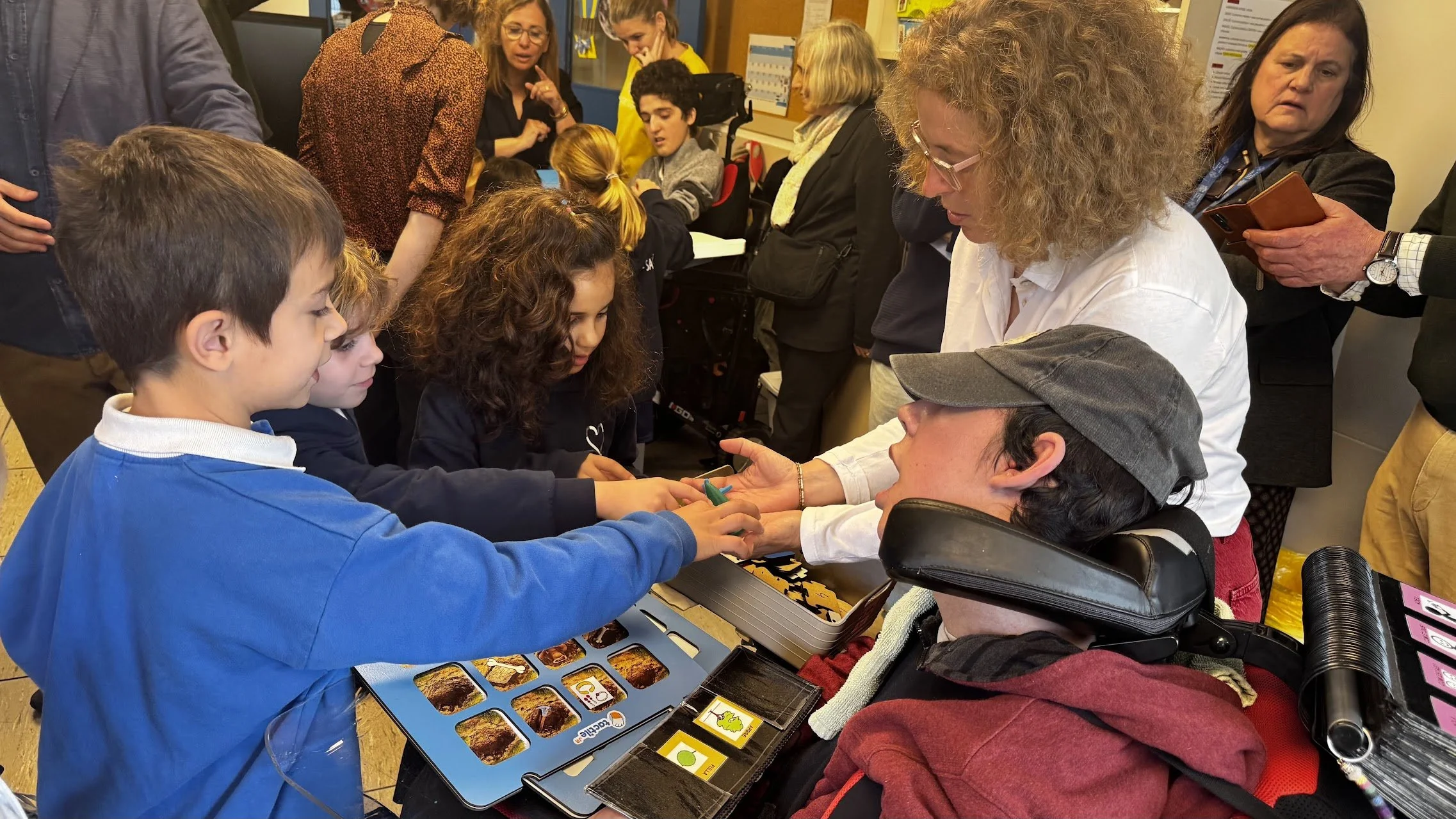
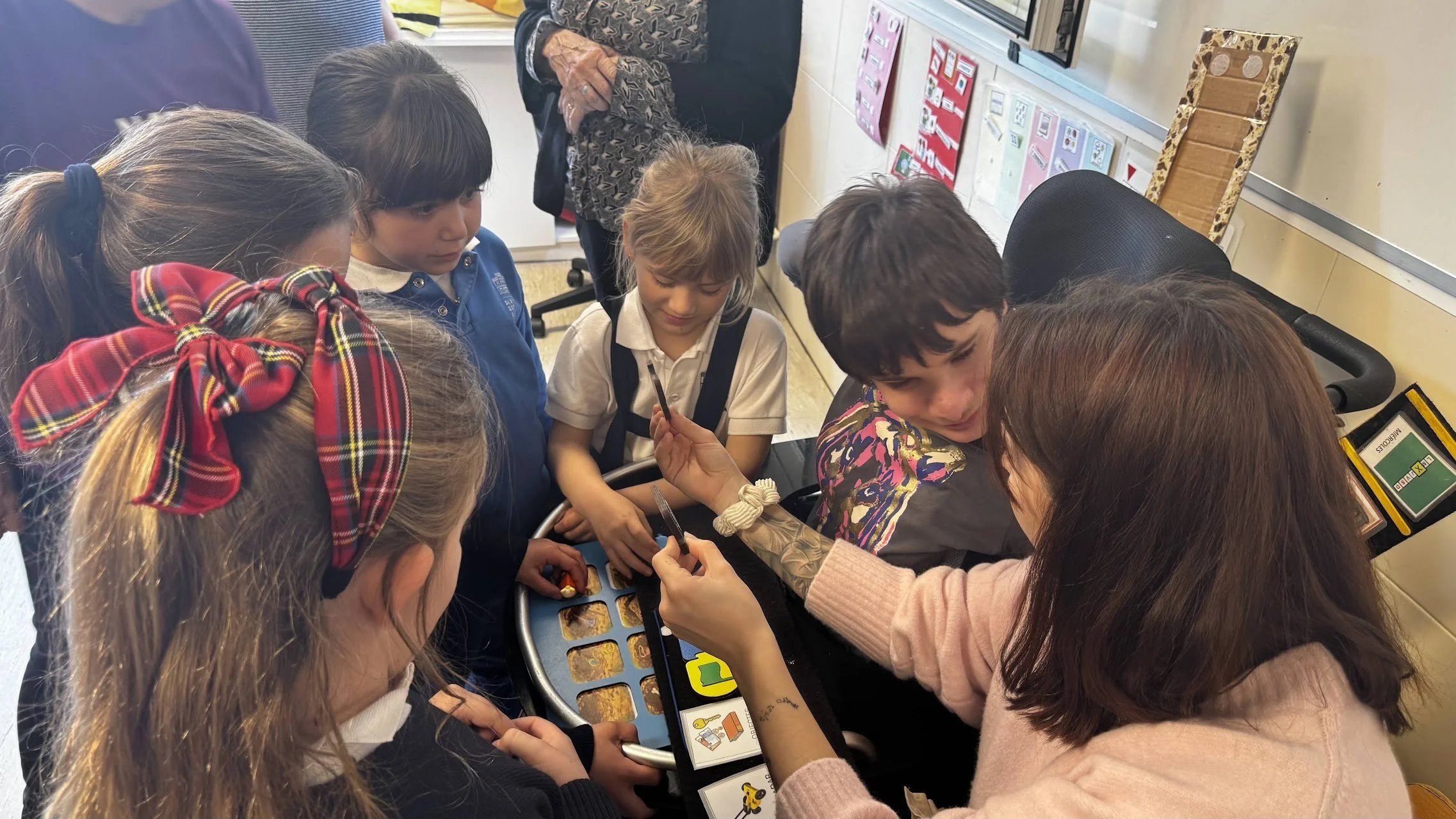
Organizations working to make Computer Science accessible for all learners.
Community & Support
AccessCSforAll
A national partnership developing resources, tools, curricula, and training to remove barriers and promote inclusive K–12 CS teaching.
CSAccess
A CSTA working group built on the belief that CS literacy is a right for every learner. Monthly meetings, educator resources, and peer support.
UDL4CS
Research-based practical resources for educators using Universal Design for Learning in K–12 CS, with projects focused on learners with disabilities.

Accessible Computer Science Education Platforms
Tools built with accessibility in mind
Bootstrap
Integrated CS & Data Science modules for grades 5–12 across Math, Science, Business, and Social Studies. Mix and match for a few lessons, a unit, or a full course.
Quorum
A programming language designed from the ground up for accessibility. Includes Parsons-style problems, an accessible chart tool, and professional learning for educators.
Scratch Tactile
Physical, tangible blocks for screen-free and inclusive programming. Block designs, backgrounds, sprites, and activities are fully open source.
Micro:bit
A non-profit organization with the aim of inspiring every child to create their best digital future. They work collaboratively to provide teacher content, products, partnerships and research.
OctoStudio
With OctoStudio, young people can create interactive animations and games using tablets, smartphones, and Chromebooks. Take photos and record sounds, bring them to life with coding blocks, and send to family and friends.